The Best PM Tool is the one you don't have to use
Rethinking the future of project management tools
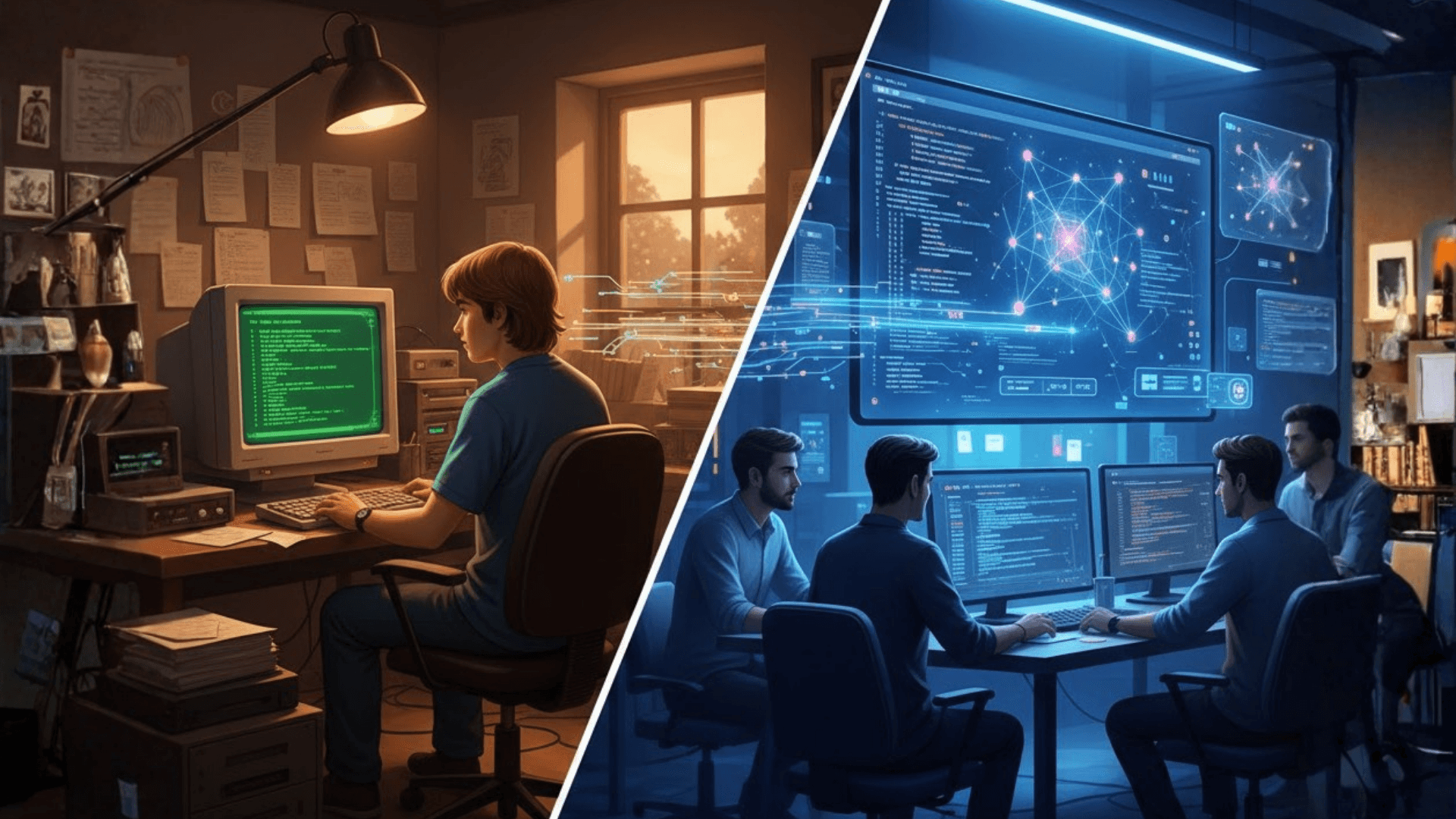
Three years ago, at Superthread, we set out to solve a seemingly obvious problem: building a better alternative to Jira and Confluence. Our hypothesis was simple—people use these tools universally but rarely enjoy them. We believed that a slick, fast, integrated project management and documentation platform was a straightforward solution waiting to happen.
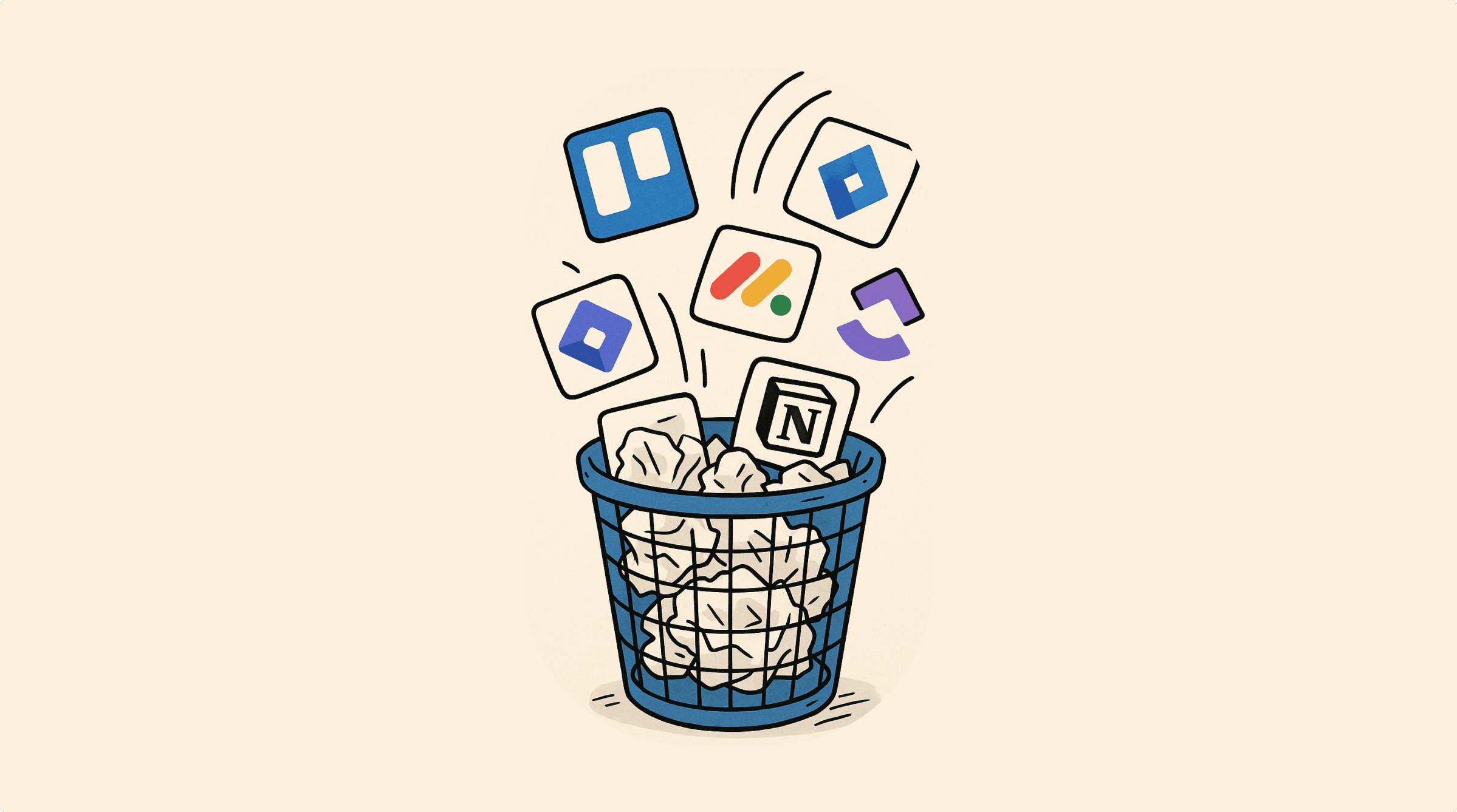
Yet, as we’ve built and iterated on Superthread, we’ve learned something unexpected. The ideal project management tool isn’t just a ‘better Jira.’ In fact, we’ve realised the best project management tool might just be the one you don’t have to use at all.
PM tools benefit the org, not the individual
Project management tools, in theory, exist to provide clarity, align priorities, and ensure transparency across teams and the broader organization. They offer structured ways of running sprints, documenting decisions, and providing visibility on what’s being worked on. However, the real value of these tools tends to accumulate at the organizational level—not at the individual contributor level.
For the engineers writing code, designers crafting experiences in Figma, and product managers shaping features, project management is often just another layer of busy work. Every moment spent creating or updating tickets, assigning tasks, or meticulously documenting decisions takes time away from their core, productive work.
Even if a tool is elegant and easy to use, the friction remains: it’s still a distraction from what people are truly hired to do.
Input – the biggest problem
The heart of the issue is fundamentally about inputting information. The ‘busy work’ of updating project management tools occurs most frequently following meetings. After discussions, decisions, and compromises, ideally, all this new information should seamlessly appear in the team’s project management system. Yet, in reality, this rarely happens because documenting these outcomes is tedious.
At Superthread, we’ve shifted our focus toward solving this input problem head-on.
Zero overhead project management
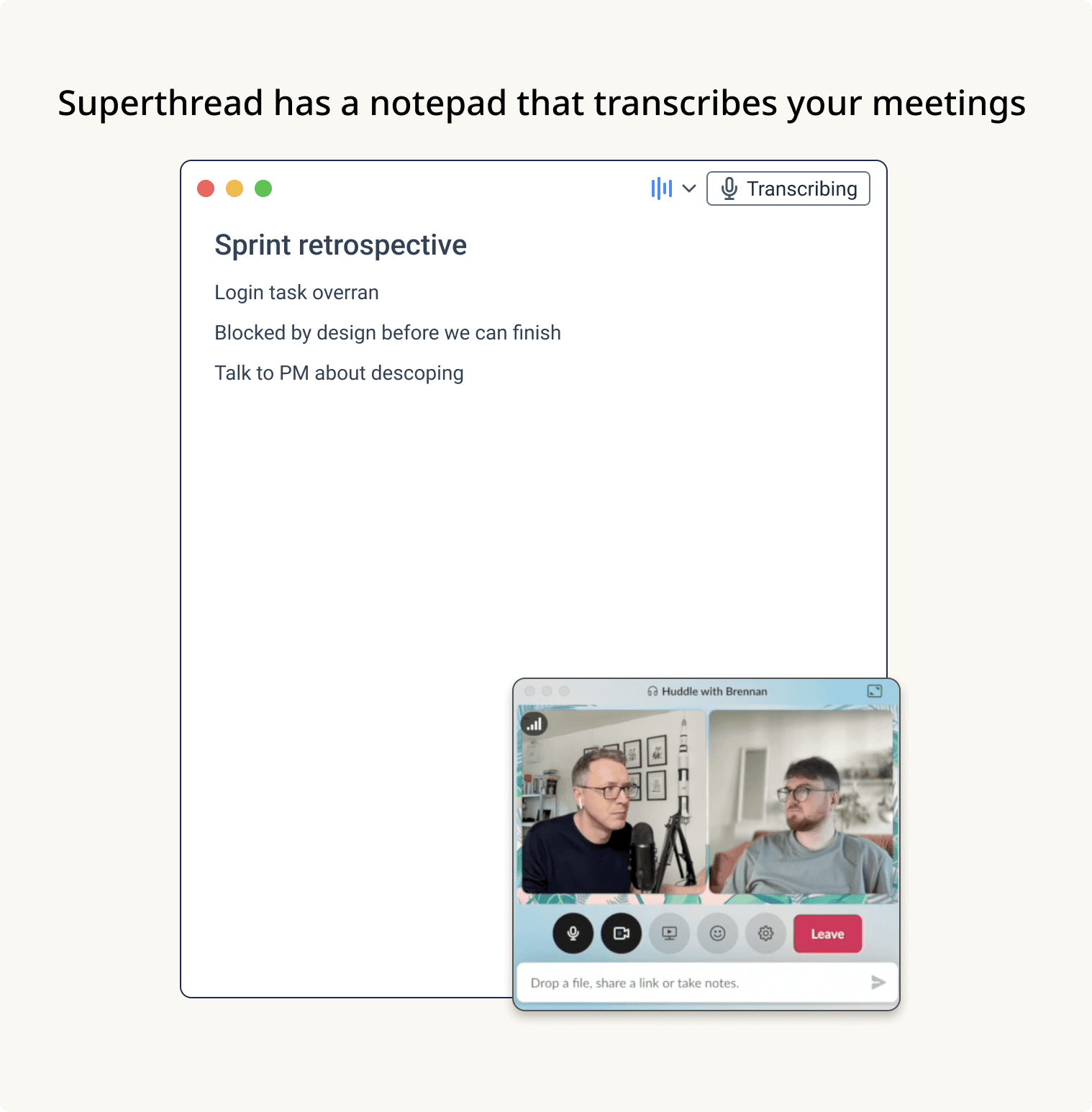
Our new direction is simple yet powerful. We’re integrating advanced transcription capabilities directly into our macOS desktop app. When you have meetings—whether in-person or virtual—you simply turn on transcription. Our app transcribes the conversation in real time without storing any audio, ensuring complete privacy and control.
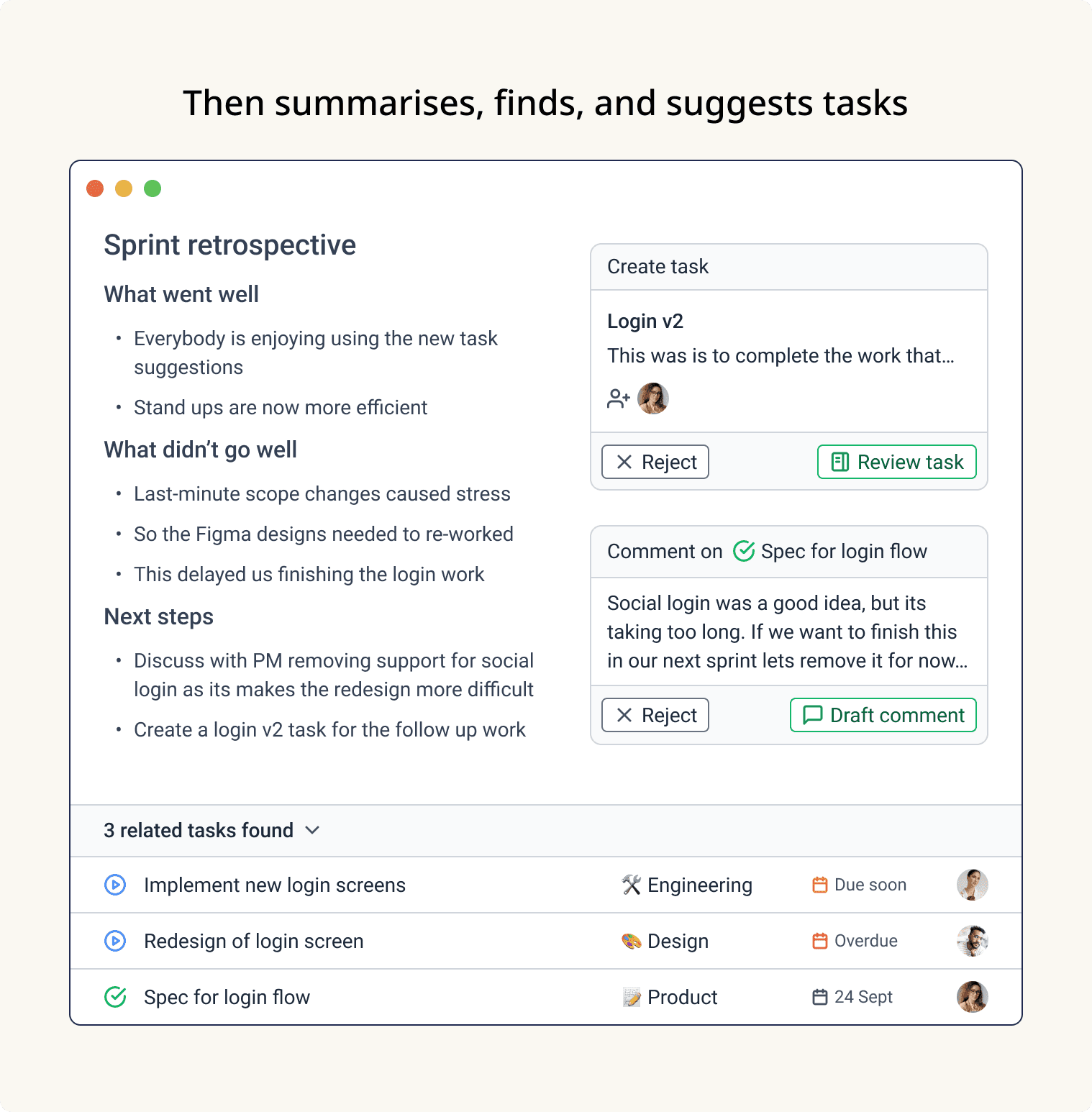
Once your conversation ends, Superthread automatically:
- Reviews the transcript and your meeting notes.
- Searches your entire workspace to identify related existing tasks, projects, or documentation.
- Suggests updates to tasks or the creation of new tasks if necessary, complete with recommended titles, descriptions, and assignees.
- Highlights decisions made during the meeting, drafting comments and status updates for relevant tasks to keep everyone informed effortlessly.
Instead of manually sifting through project boards, writing tickets, and assigning them, you simply review and approve the suggestions. Superthread handles the tedious busy work, freeing you to immediately return to coding, designing, or planning.
The future of project management is invisible
We’re convinced the future of project management involves even less direct interaction. Eventually, input might be as simple as speaking or dictating instructions, with the tool intelligently managing tasks, updates, and documentation behind the scenes.
The goal is clear: Project management should enhance productivity without adding overhead. It should quietly enable teams and organizations without forcing individuals into repetitive, distracting chores.
At Superthread, this vision guides our next steps. We’re committed to creating a tool that works for you, in the background, so you can stay focused on your real work. The best project management tool, we’re certain, will ultimately be the one you barely notice at all.